
Type Nepali anywhere on Linux —
just spell it out.
Write mero, get मेरो. A system-wide input method that
turns romanized typing into Devanagari on the fly, with live word
suggestions in every app: your browser, LibreOffice, chat, and terminal.
Phonetic input
Spell words the way they sound and choose the right Devanagari from a candidate popup.
Works everywhere
System-wide via IBus — browsers, office apps, editors, terminals, chat.
English stays default
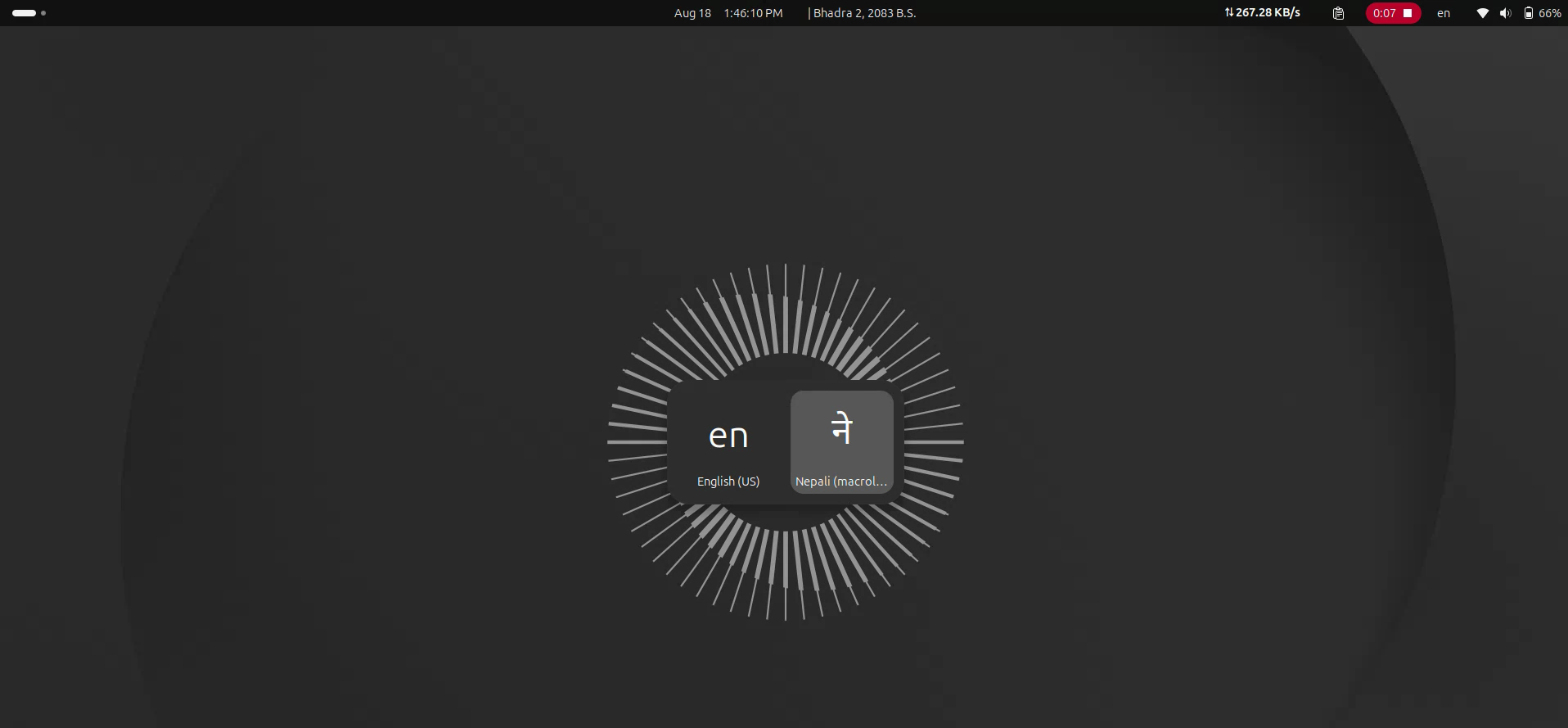
Switch to Nepali with Ctrl+Space; the top bar shows your active language.
One-command setup
Install, run nepali-input-enable, and start typing. That's it.
Install
Ubuntu (PPA) — recommended
sudo add-apt-repository ppa:nirajpal/nepali-input
sudo apt update
sudo apt install ibus-google-nepali
nepali-input-enable   # run as your normal user, not sudo
Debian / Ubuntu (.deb)
Download the latest .deb from the
releases page, then:
sudo apt install ./ibus-google-nepali_*.deb
nepali-input-enable
From source
git clone https://github.com/palniraj/google-input-tools-linux.git
cd google-input-tools-linux
sudo ./install.sh
Using it
Press Ctrl+Space to switch to Nepali, type phonetically, and pick a candidate with a number key or Space. Press Ctrl+Space again for English.
| 1–9 | pick the numbered candidate |
| Space | commit highlighted candidate + space |
| Enter | commit highlighted candidate |
| ↑↓←→ | move the highlight |
| Backspace | delete the last roman letter |
| Esc | cancel the current word |
| / | insert purnabiram । |
Documentation
Note: transliteration is a cloud service and needs an internet connection. This project is not affiliated with Google.